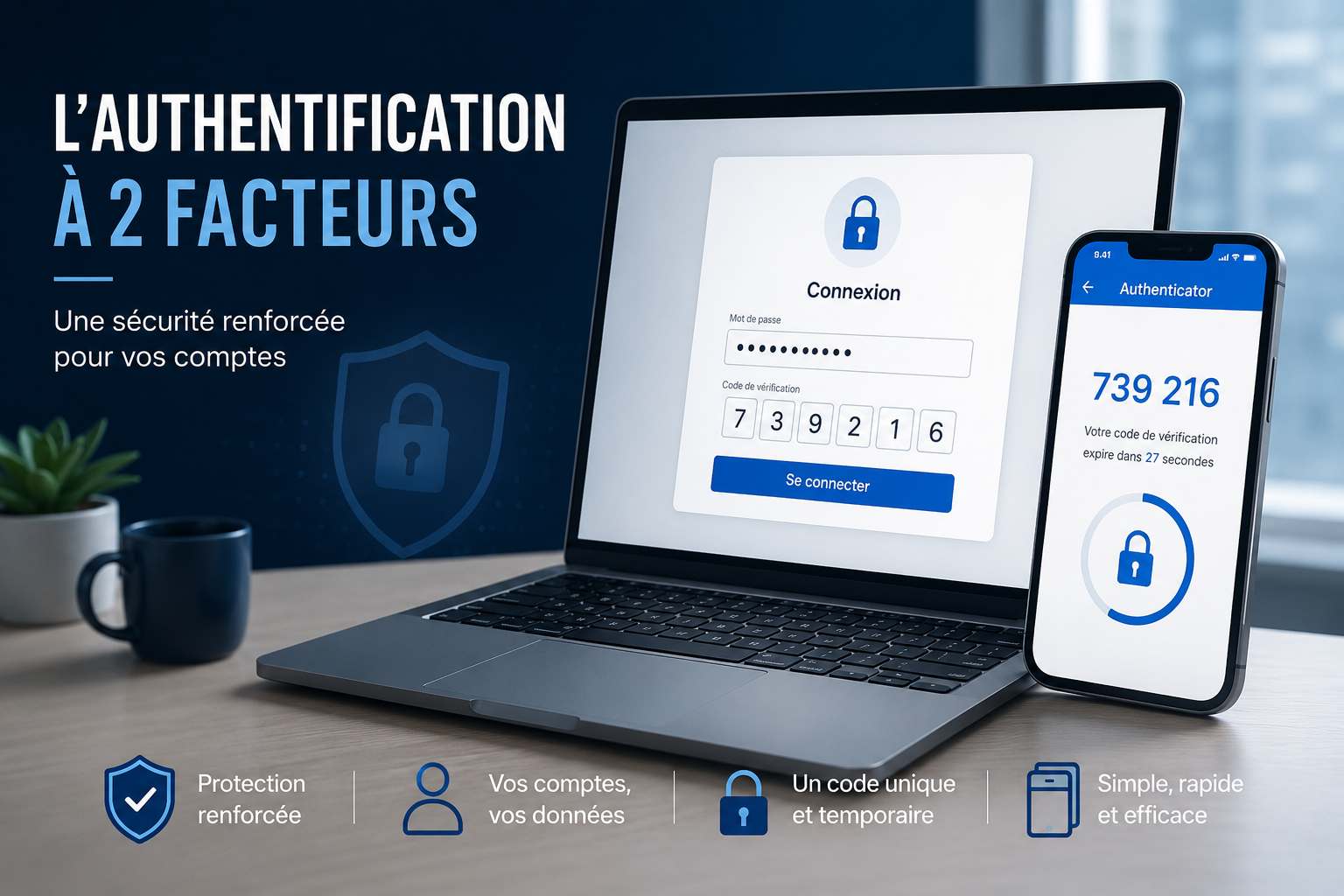
What is two-factor authentication?
According to Microsoft, 99.9% of compromised accounts did not have two-factor authentication turned on.
Two-factor authentication (2FA) adds an extra layer of protection when you sign in to an account or service. You will also hear multi-factor authentication (MFA), a term that covers several complementary verification methods.
The principle
Instead of relying only on a password, which can be stolen, guessed or hacked, 2FA asks for two separate proofs of identity, from three categories:
- Something you know: password, PIN
- Something you have: e-mail, a phone receiving an SMS or notification, a security key (YubiKey, smart card…)
- Something you are: biometrics (fingerprint, face or voice recognition)
An account can have several methods set up: you then pick one when signing in, combining security and convenience.
2FA methods
You probably already use one, for example for online banking. Most generate a one-time code valid for a few seconds. The most common:
- E-mail notification
- SMS
- Code from an authenticator app (OTP)
Watch the naming: OTP, TOTP, 2FA or Auth OTP usually mean the same method (OTP stands for One Time Password). Dedicated apps (Microsoft Authenticator, 2FAS, Google Authenticator…) offer broadly the same features.
Key points
- Your 2FA methods are part of your sign-in process.
- Without access to one of them, you may be locked out.
- As with a forgotten password, losing a method often means a long, complex account recovery: back up your access or keep two methods available.
Pros and cons of each method
- SMS: easy to set up, but less reliable (no signal, new or lost phone).
- Authenticator app: safer than SMS, but your codes can disappear with the phone if not backed up (export or a manager like Bitwarden).
- E-mail: easy and available everywhere, provided the mailbox itself is protected, ideally by 2FA.
Using a password manager for 2FA
Good password managers handle two-factor codes as well as credentials. Browser-built managers don’t, and should be avoided for security reasons. We recommend a complete solution like Bitwarden, which calls this feature “authenticator key”.
How to turn it on
Most services let you enable it in your account settings. Here is how for the two main services Async provides.
Infomaniak account
- Sign in to your account.
- Click the icon with your initials (top right), then “Manage my account”.
- Open “Security” or “Security and account recovery”.
- Add at least one method via “See more methods”: SMS, OTP app or the kAuth app.
Official Infomaniak documentation
Microsoft 365 account
Microsoft now requires 2FA when new accounts are created. If yours isn’t protected yet, open aka.ms/mfasetup, then:
- Sign in to your Microsoft account.
- Add the method of your choice: Microsoft Authenticator app, e-mail, SMS or the Authenticator built into Outlook mobile.
Note: you don’t have to use Microsoft Authenticator. Other compatible apps, such as Bitwarden, work too.
Conclusion
Two-factor authentication is now essential. By combining several proofs of identity, it greatly reduces the risk of hacking. Setting up at least one method, ideally several, is a key step for your everyday security.
A question?
We help you strengthen the protection of your accounts.
Read next
All news →
Chemin de Paudex 5
1132 Lully · Switzerland
 © 2026 ASYNC IT SÀRL — ALL RIGHTS RESERVED